

See the impact that AI remote support has for Field Service teams
Unlocking the Hidden Value of Video Support for Your Service Efficiency Strategy
Home » Integrations » NiCE

+

Give contact center agents a way to see what customers see. SightCall VISION adds live video, photo and video sharing, and visual guidance to NiCE CXone interactions so teams can diagnose issues with more context.

SightCall is a NiCE DevOne partner and strategic reseller.
Start visual assistance during a customer call
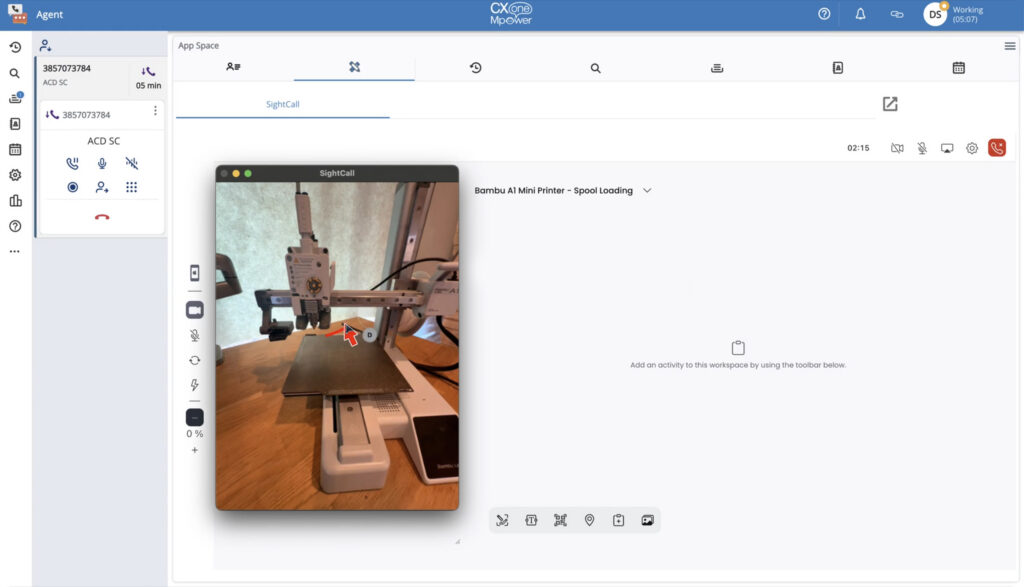
Agents can open the SightCall console from a configured NiCE CXone contact workflow. In the documented contact-panel setup, the caller phone number is populated in the invitation field.
See the problem with live video and visual tools
Use real-time video, high-resolution image capture, augmented reality annotations, OCR, barcode scanning and other visual tools described in the CXexchange listing. Feature availability depends on the selected SightCall edition.
Request photos and video clips without a live video call
SightCall Snap allows agents to request customer photos, recorded clips or uploaded media during an existing interaction, giving agents visual context before escalating to live support.

Add visual context to a NiCE customer interaction:
SightCall in the NiCE CXone video contact center
Diagnose problems with less guesswork. Let agents inspect the issue instead of relying only on a customer’s verbal description.
Keep visual assistance close to the agent workflow. Launch visual support from a configured NiCE CXone experience rather than asking agents to begin in an unrelated tool.
Choose the right level of visual engagement. Start with customer photos or clips when that is enough, and use live video and annotation for more involved troubleshooting.
NiCE + SightCall minimizes costly on-site visits, accelerates troubleshooting, and enhances service efficiency.
Configure SightCall inside the NiCE contact panel, as a pop-out browser window, or as a persistent custom workspace. Each option has documented tradeoffs, and feature availability depends on the selected SightCall edition.
Yes. SightCall is designed for organizations of all sizes across industries that need secure, scalable remote visual support. Additional customizations are available out of the box for use cases such as field service, customer service, telehealth, and insurance.
Most teams can be up and running in days, with fast onboarding and guided setup.
SightCall runs on a wide range of devices and operating systems, ensuring accessibility for both field and office users:
Yes. Multiple participants can securely join the same session to collaborate in real time.
Explore how your agents can use visual context to troubleshoot customer issues within their NiCE CXone workflows.
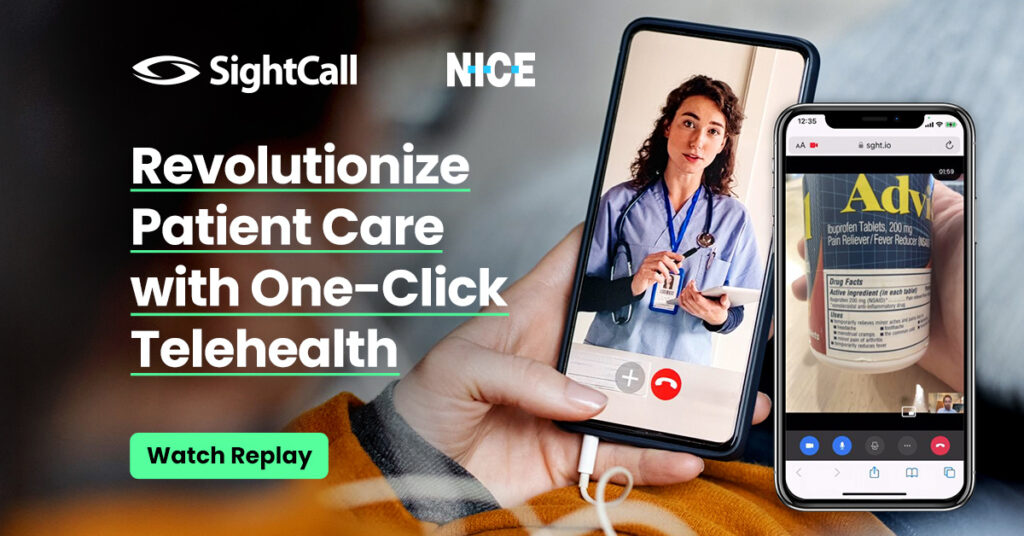
Learn how SightCall makes a real difference for healthcare teams, focusing on seamless, “always-on” patient interactions that make virtual care feel personal.

Discover how visual AI is revolutionizing customer service and claims management in this in-depth webinar presented by NiCE and SightCall.

SightCall is excited to offer NiCE CXone users access to SightCall VISION, a transformative visual service platform designed to enhance both self-service and agent-assisted interactions.