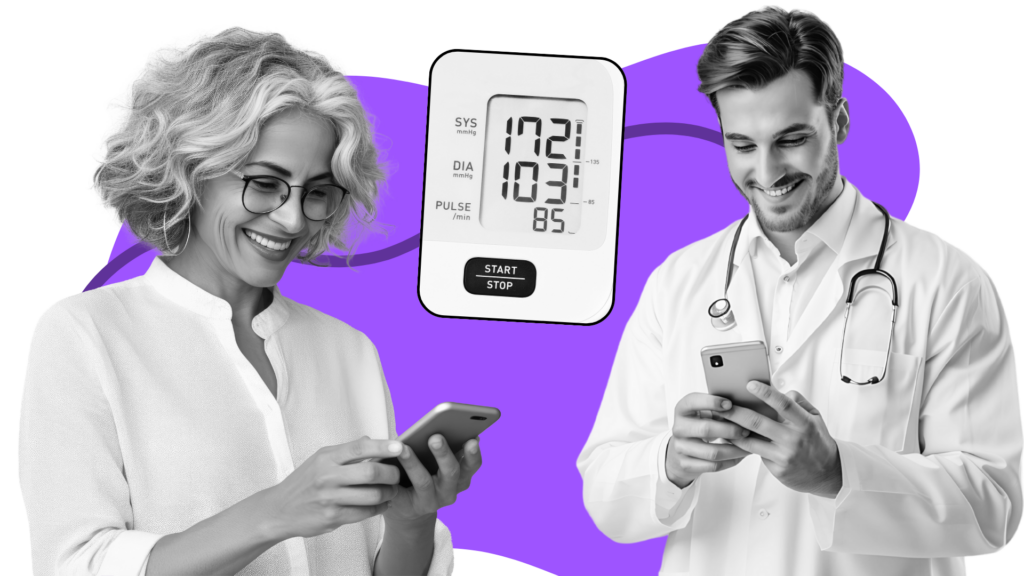
Easy, Secure Telehealth for Providers & Patients

Personalized video communication software that integrates seamlessly into your existing virtual care ecosystem 

Trusted by Global Healthcare Leaders

How It Works

Streamline Virtual Visits

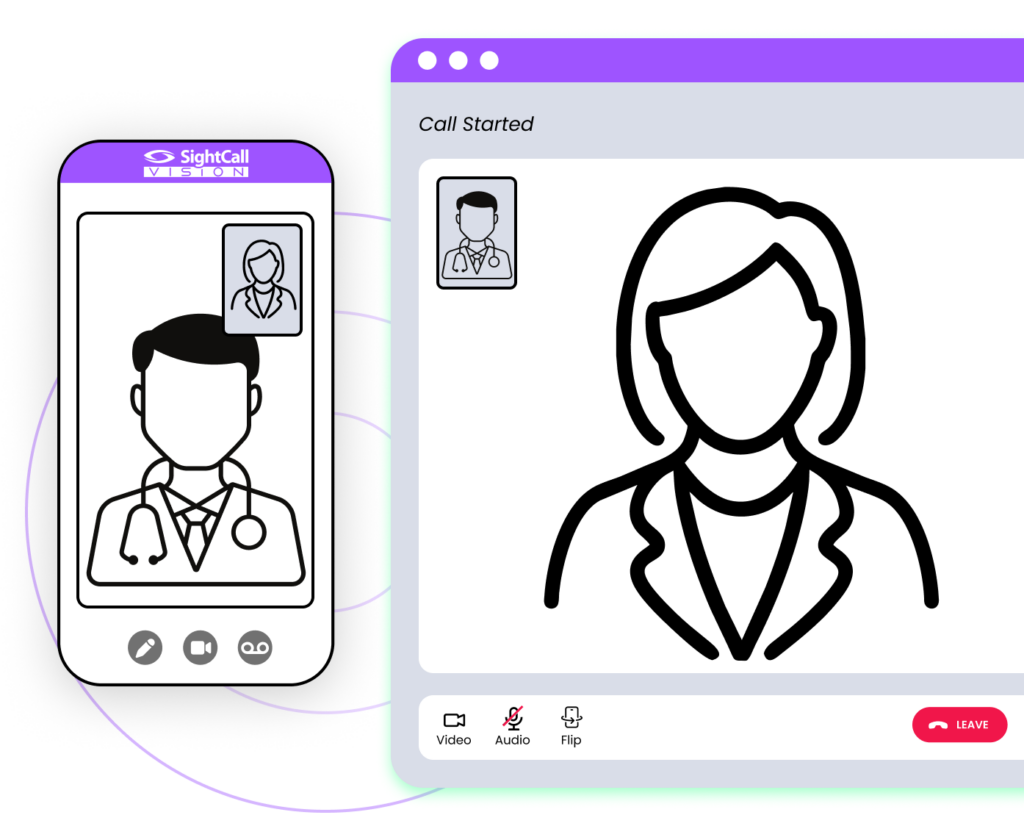
Seamless and Secure Video Calls

Virtual visits break down when technology gets in the way. SightCall provides a secure, HIPAA-compliant video experience that’s easy for patients to join and clear enough for providers to assess issues visually, enabling more effective, empathetic care without added friction.

Guide Patients Confidently

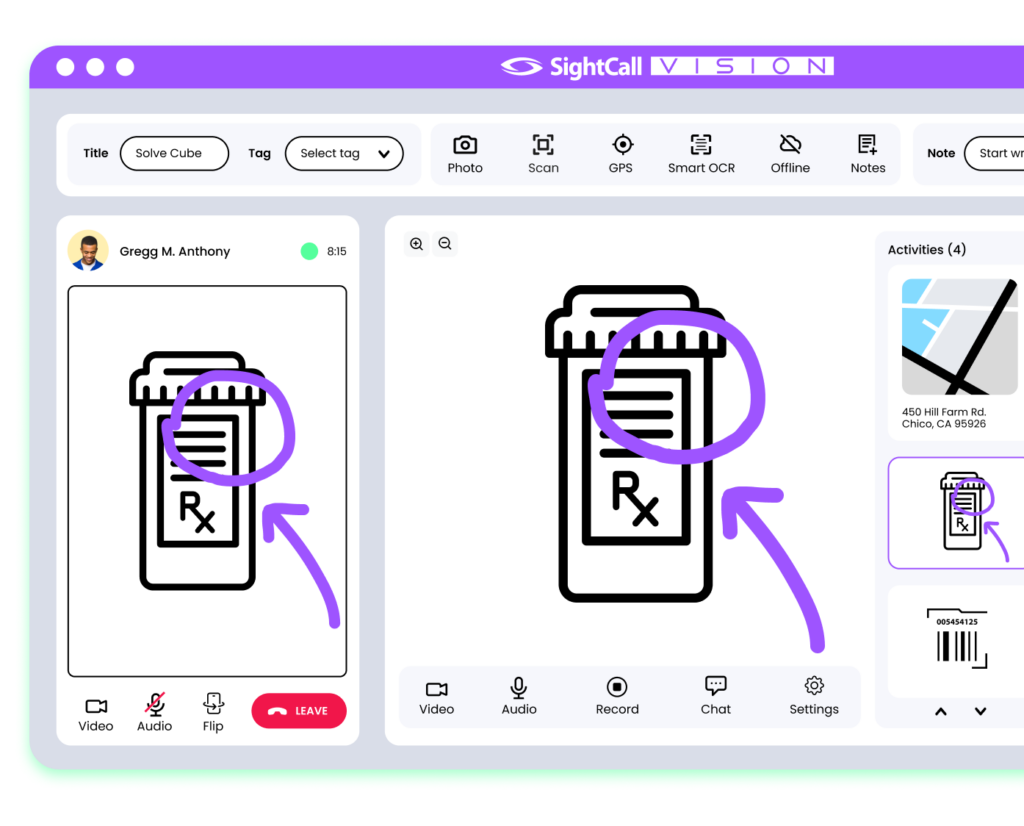
Interactive Visual Tools

Verbal instructions alone often lead to confusion, errors, and repeat visits. SightCall equips providers with visual tools like on-screen annotations, smart scanning, and real-time translation, making it easier to guide patients step by step and capture accurate information during virtual care sessions.

Deliver Better Care

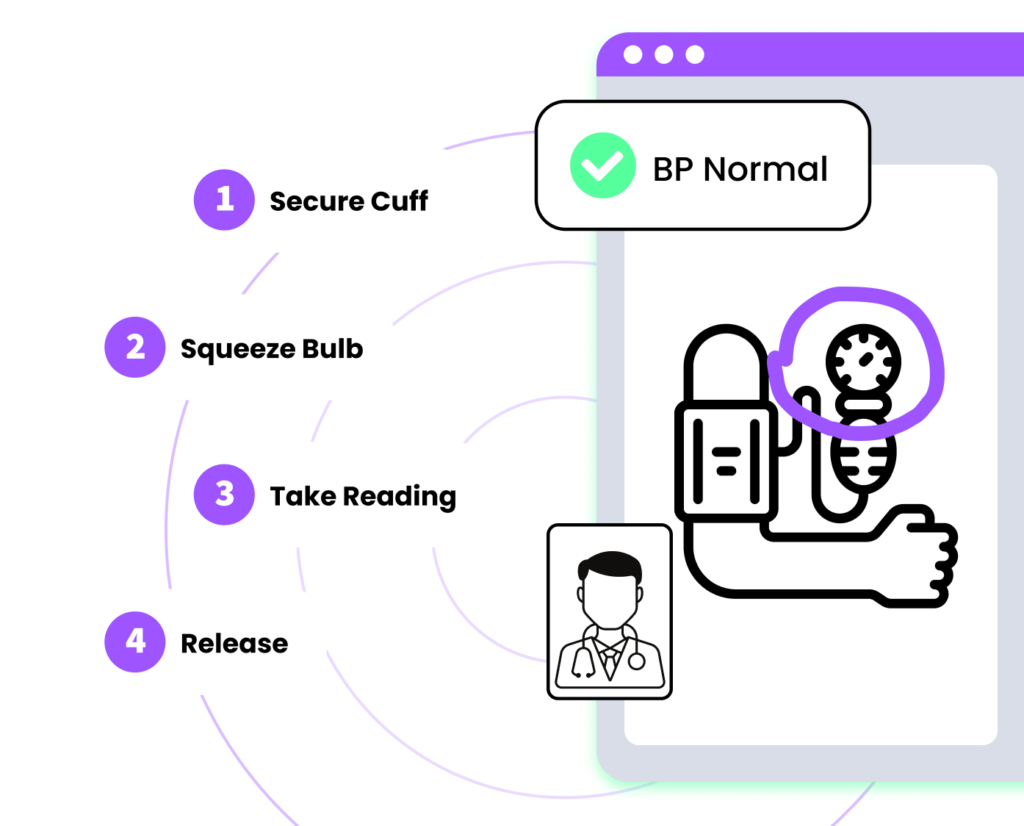
Clear, Comprehensive & Personalized

Virtual care falls short when patients need hands-on guidance or clear visual support. SightCall enables providers to deliver personalized, visual care for remote procedures, medical device setup, and diagnosis, helping patients complete tasks correctly at home while improving confidence and care continuity.

Advanced Visual Telehealth Care​

Pre-Appointment Readiness

Patients are guided step-by-step to verify audio, video, and network connectivity—eliminating technical issues before the appointment begins.

Real-Time Visibility

Providers get real time visibility into their upcoming schedule, patient readiness and waiting room status.

One-Touch Connection

Patients and providers connect with one-touch simplicity.

Live Telehealth Sessions

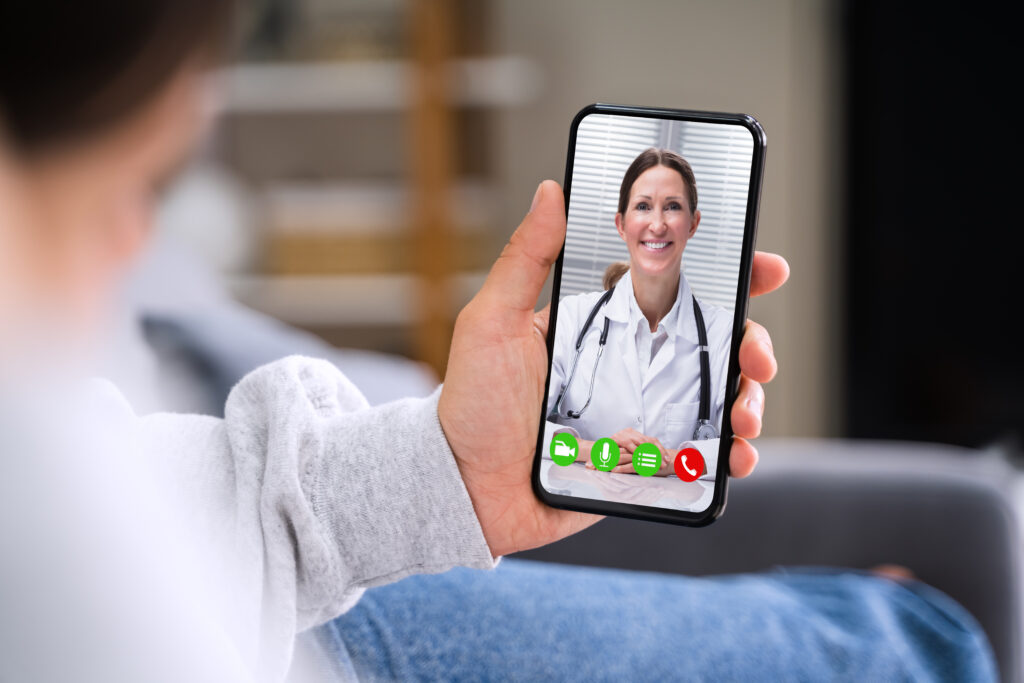
Live telehealth visits with SightCall provide a seamless, high-quality virtual care experience powered by HD video, AR-enhanced guidance, and real-time collaboration tools.

HIPAA-Compliant

Protect your patients and providers with industry leading security and compliance.

Automated Post-Visit Reporting

Streamline documentation and follow-up, reducing administrative burden while enhancing virtual care insights.

Efficient Summaries

Generate structured visit summaries with annotated images and audio transcripts, ensuring accurate and efficient record-keeping.

Seamless Integration

Reports can be easily uploaded to EMR or CRM systems for validation with existing virtual care workflows.  

Home Medical Device Guidance

Patients and caregivers receive real-time, expert guidance without the need for in-person visits.

AR Enhanced Support

Using live HD video and AR-enhanced support, providers can visually assist patients in the step-by-step unboxing, assembling, and calibrating of medical devices.

Easy Troubleshooting

Remote diagnostic tools, including OCR scanning, barcode recognition, and live annotations, help troubleshoot issues quickly.  

SightCall VISION

Smarter Telehealth Starts Here

Reduce no-shows, streamline workflows, and improve provider-patient interactions. 
SightCall Vision

SightCall VISION

Remote Visual Support

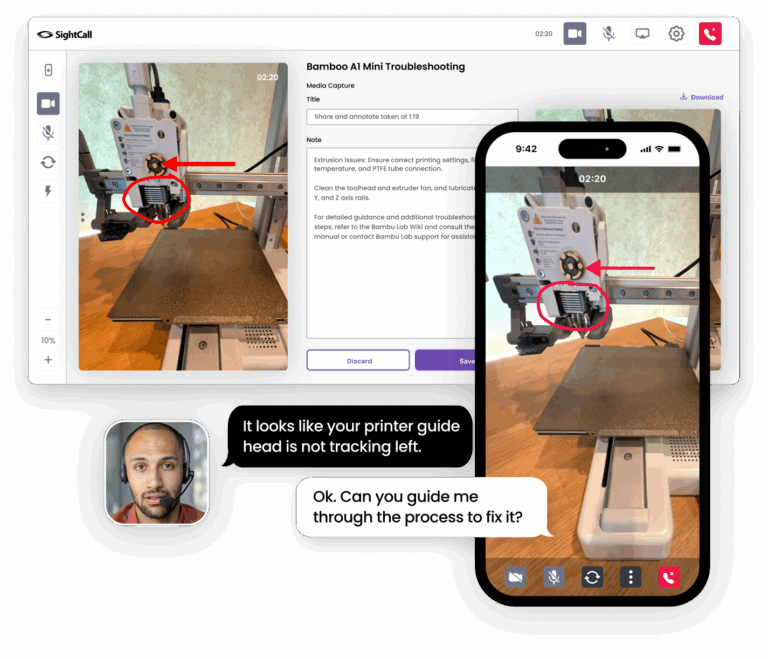
Live video to see and solve faster

See it. Solve it.

Collaborate in real time with remote experts using video, AR, and digital tools. Instant visual support ensures quick, effective troubleshooting, even for complex issues.

Xpert Knowledge™

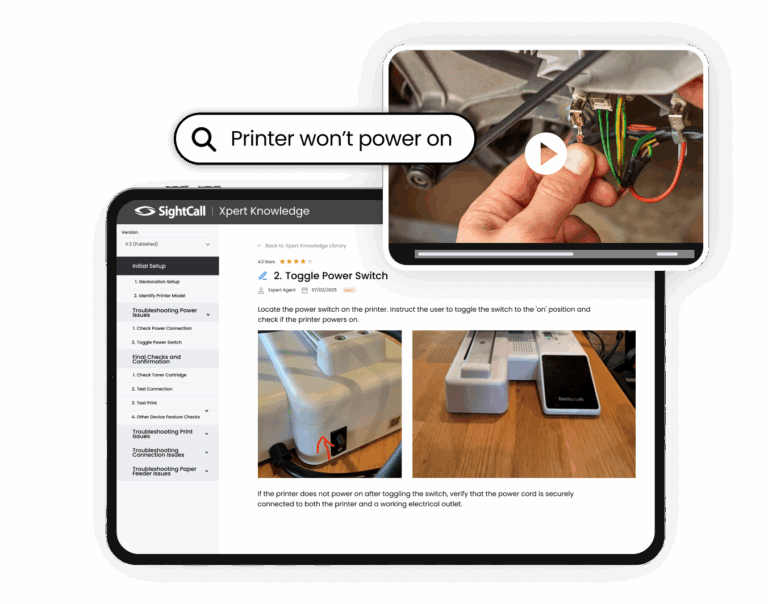
AI powered tutorials and resources

Auto Knowledge Capture

Use AI to automatically capture and convert real-time visual support sessions into structured, multimedia tutorials.

Visual AI

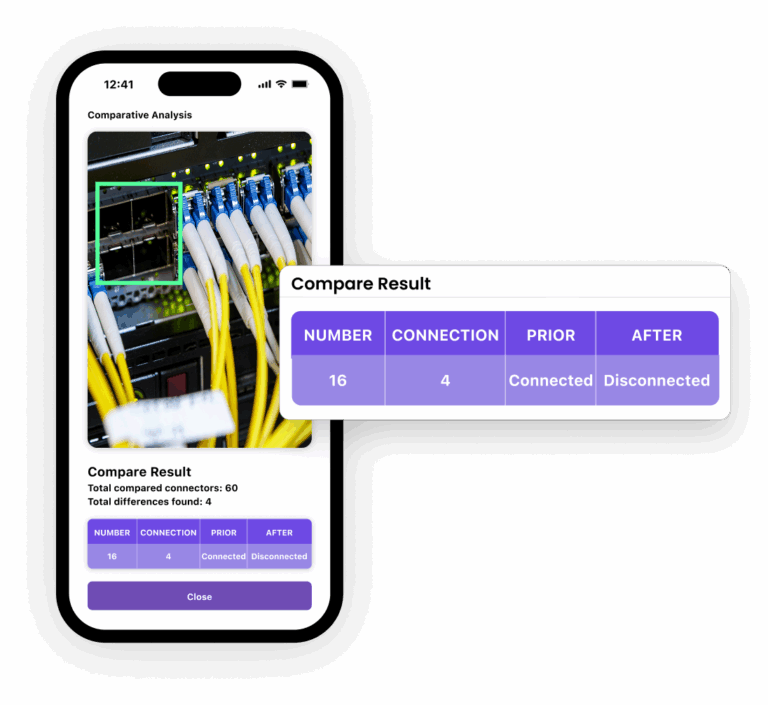
Extract actionable data with image recognition

Smarter. Faster.

Transform any device camera into an expert, problem-solving eye that can identify issues and recommend solutions using image recognition and real-time visual guidance.

Key Capabilities

Fully Integrated and Embedded

We work where you work. Adding SightCall VISION to your existing workflow is easy.  

Frequently Asked Questions

SightCall telehealth support uses live visual assistance to help clinicians and care teams diagnose, guide, and support patients remotely in their homes using video, AR overlays, and real-time annotations.

During a telehealth visit a clinician can invite a patient to connect instantly via secure video on their smartphone, tablet, or laptop, enabling live visual assessment of symptoms, wound care, mobility challenges, medical devices, and more.

Yes, SightCall enables remote support for home healthcare needs such as medication administration guidance, monitoring chronic conditions, fall assessment, and troubleshooting home medical devices like CPAP machines, insulin pumps, oxygen concentrators, and wearable sensors.

Yes, SightCall is designed to meet healthcare privacy and security standards including HIPAA, with encrypted connections and controls to protect patient information.

No, patients can join a session through a secure link in their browser without downloading an app, making it easier for providers to support patients at home quickly.

Yes, clinicians can use augmented reality annotations, on-screen pointers, and overlays to guide patients or caregivers in real time, which helps with tasks like wound assessment, device setup, and physical therapy guidance.

SightCall enables more accurate remote assessments, reduces unnecessary in-person visits, accelerates diagnosis and care decisions, and improves patient satisfaction by making remote interactions more interactive and effective.

Yes, multiple participants can join a video session so caregivers, family members, or other care professionals can assist or observe as needed.

Primary care, home health agencies, chronic care management programs, specialty providers, and medical device support teams all benefit from enhanced visual support in remote care settings.

SightCall can integrate with leading telehealth platforms and electronic health records via APIs and workflows, enabling seamless clinician experience and documentation.

SightCall offers onboarding support, training resources, and professional services to help clinical teams integrate and scale visual support within their telehealth programs.

SightCall uses end-to-end encryption and secure session controls to protect video and any data shared during a telehealth interaction, aligned with healthcare security best practices.

Ready for a demo?

Upgrade Your Virtual Visits

Enable providers to deliver faster and more effective remote care.