
A Tool Comparison for Delivering Remote Visual Support
Video technology is everywhere. But when it comes to delivering service outcomes, not all video tools serve the same purpose.
If your teams are guiding field technicians, supporting customers, assisting patients, or troubleshooting complex equipment, the distinction between general video conferencing and purpose-built remote visual support becomes critical. This page explores that difference and explains why organizations choose SightCall when service performance truly matters.
What Is Remote Visual Support?
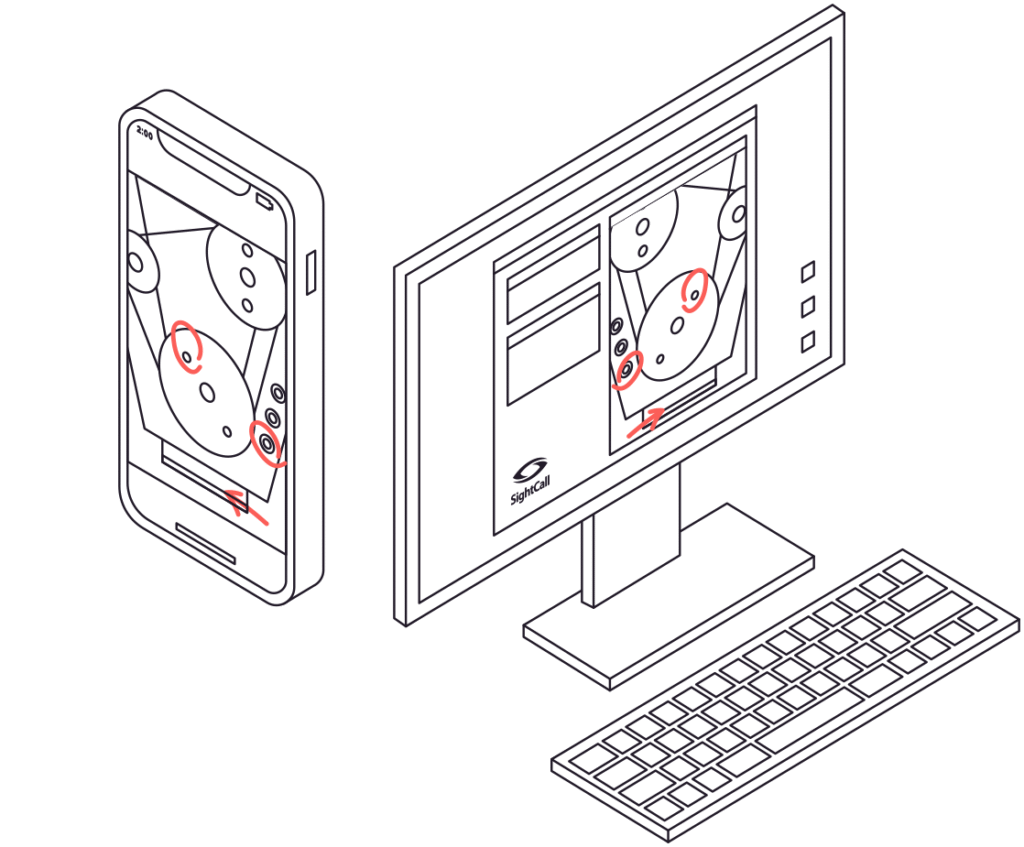
Remote visual support uses live video combined with expert guidance tools to help resolve issues in real time.
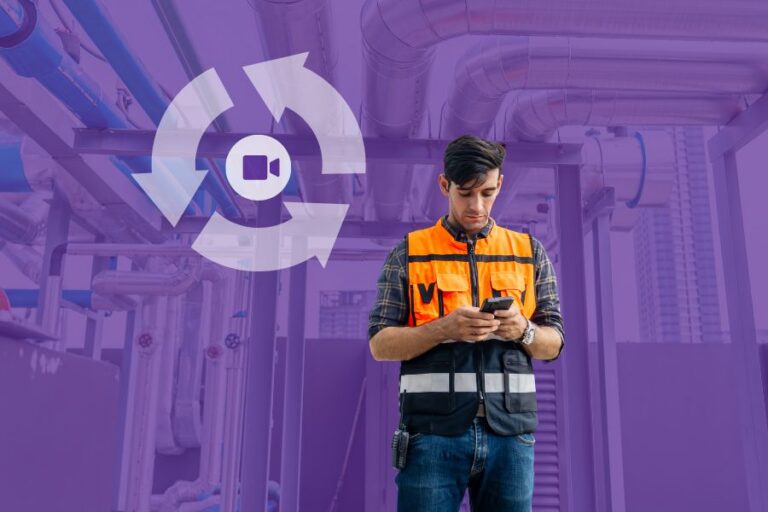
It is not simply a video call. It is a structured service workflow designed to reduce ambiguity and accelerate resolution. In a remote visual support session, the expert sees exactly what the person on-site sees, directs attention to specific components, guides each step of the process, and captures documentation when needed.
For organizations supporting technicians, customers, healthcare providers, adjusters, or partners, adding a visual layer dramatically improves clarity. Instead of describing a problem verbally or relying on static images, experts can guide directly within the live environment.
At first glance, it may seem that any video platform could handle this. However, when the work involves mechanical systems, medical equipment, telecom infrastructure, or industrial machinery, the difference between a meeting tool and a remote visual support platform becomes clear. True remote visual support requires expert control, workflow integration, structured reporting, and enterprise-grade security. These elements are not native to general video conferencing tools.
What Is General Video Conferencing?
General video conferencing platforms were designed for meetings.
Their core purpose is to enable face-to-face interaction, presentations, and collaborative discussions. They are highly effective for internal communication and distributed teamwork. Seeing someone on screen builds rapport and supports dialogue.
However, when the objective shifts from discussion to technical troubleshooting, limitations emerge. These platforms are optimized for people-focused interaction, not equipment-focused problem solving. Controls are typically shared equally among participants, which works well for collaboration but creates friction in service scenarios. There are no built-in mechanisms for structured guidance, remote control over camera perspective, or service-driven workflow management.
When an expert must guide an untrained individual through a repair or diagnostic process, a meeting platform quickly reveals its constraints. It was never designed to function as a remote visual support solution.
What Is SightCall?
SightCall was built specifically for remote visual support.
Every aspect of the platform, from architecture to workflow design, is engineered to enable experts to guide people in the field effectively. Whether assisting technicians, supporting healthcare professionals, conducting inspections, or resolving customer issues, SightCall focuses on outcomes rather than conversations.
The platform equips experts with tools that make remote troubleshooting practical and precise. These include live annotation and pointer guidance, video pause and snapshot capture, barcode and QR scanning, optical character recognition, augmented reality measurement tools, and comprehensive reporting. Sessions are browser-based and device agnostic, eliminating unnecessary friction for end users.
Instead of adapting a meeting tool to service needs, SightCall delivers remote visual support as its core function.
Why SightCall Is Better for Remote Visual Support
SightCall was designed for an expert to provide assistance remotely. Unlike general collaboration video chat applications, it is packed with tools and features that enable for complex troubleshooting even when the person receiving assistance is untrained.
Designed for Engagement
Service interactions do not begin like scheduled meetings.
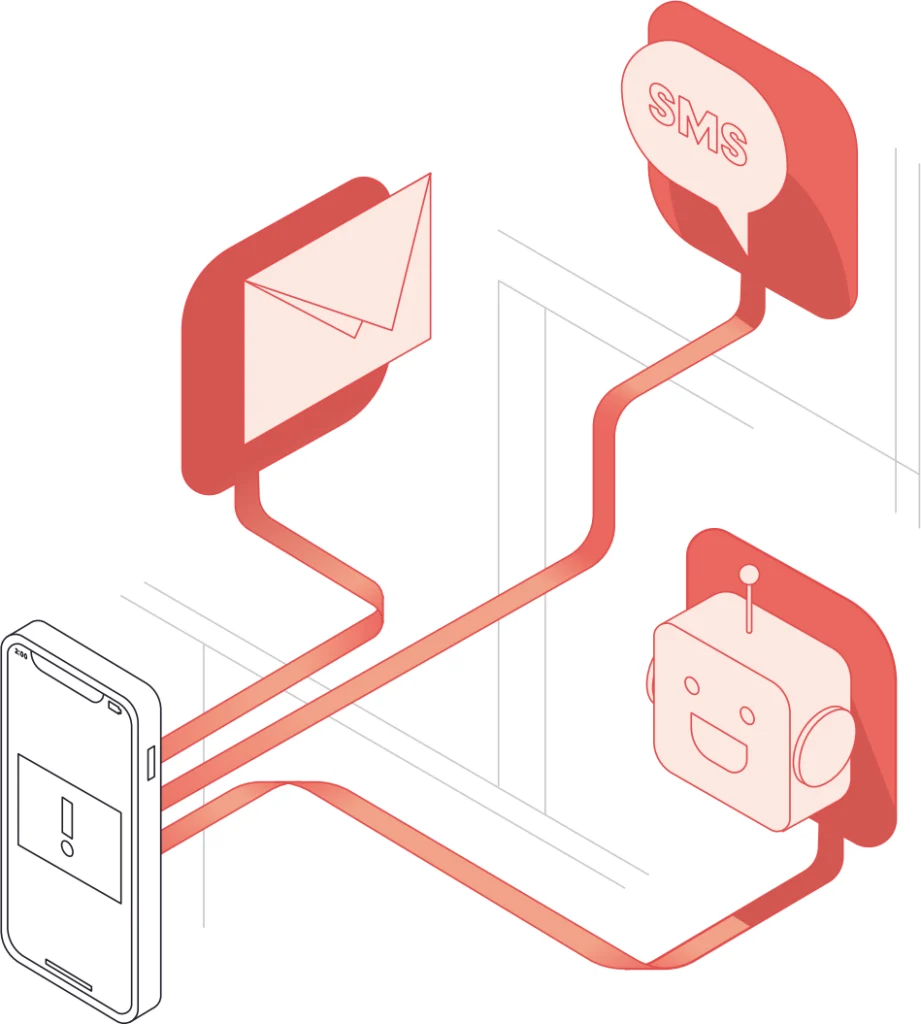
SightCall enables remote visual support sessions to start seamlessly within existing service workflows. A customer may escalate from chat to live video. A technician might click a secure link sent via SMS. A support call can transition directly into a visual session. Even chatbot interactions can trigger expert engagement.
Users do not need to download unfamiliar software or navigate complex setup processes. A simple link connects them to the appropriate expert. This reduces friction, shortens time to resolution, and increases adoption across both internal teams and external customers.
General video conferencing platforms, by contrast, are structured around meeting creation and app-based participation. That framework often interrupts service flow instead of supporting it.
Better Customer Experience
Most individuals receiving remote visual support are not trained in using support technology. They are focused on solving a problem quickly.
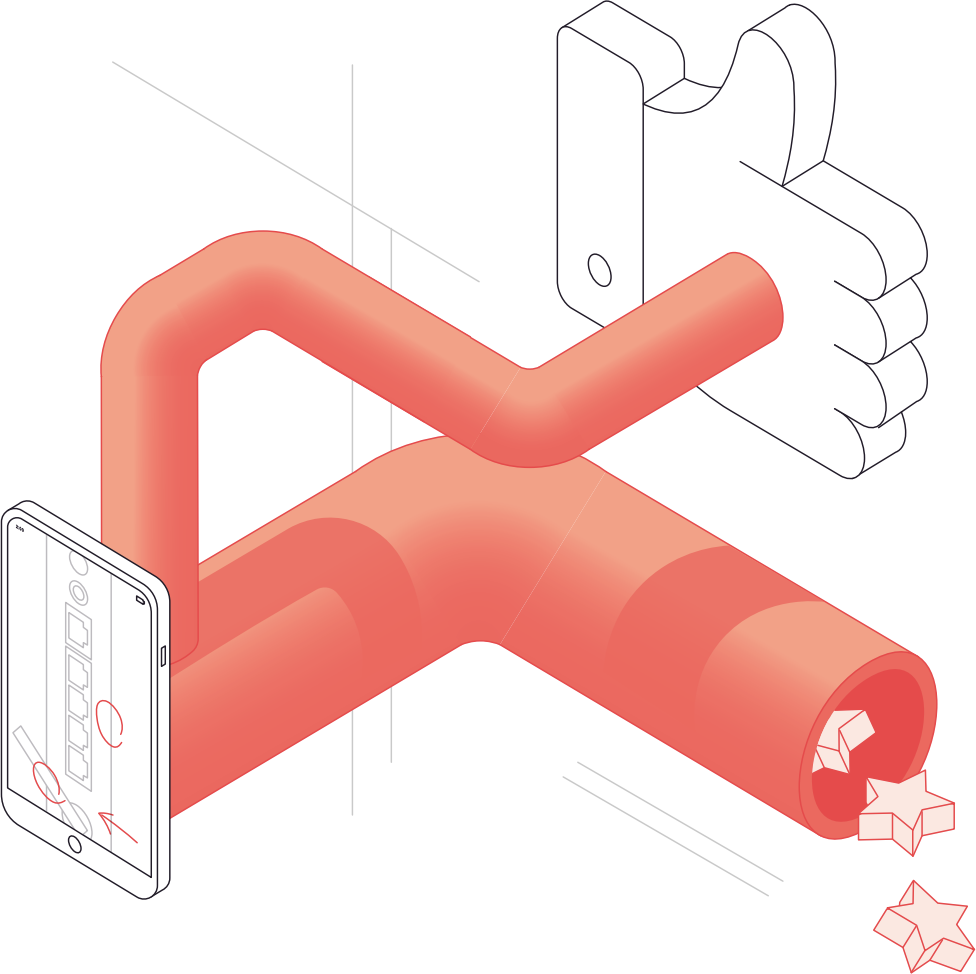
SightCall was designed with that reality in mind. The workflow spans the full service lifecycle, from invitation to post-session feedback. During the live interaction, the majority of controls remain with the expert. The expert can zoom, adjust perspective, capture images, and guide attention without requiring the other participant to manage complex settings.
This structure reduces stress and cognitive load. The person on-site simply shows the issue and follows instructions. Privacy is maintained through explicit permission prompts and controlled access.
In contrast, general video meetings distribute control among participants. While suitable for collaboration, this model often slows down structured troubleshooting and creates unnecessary confusion in service scenarios.
Business-Centric Reporting
Remote visual support generates valuable operational insight.
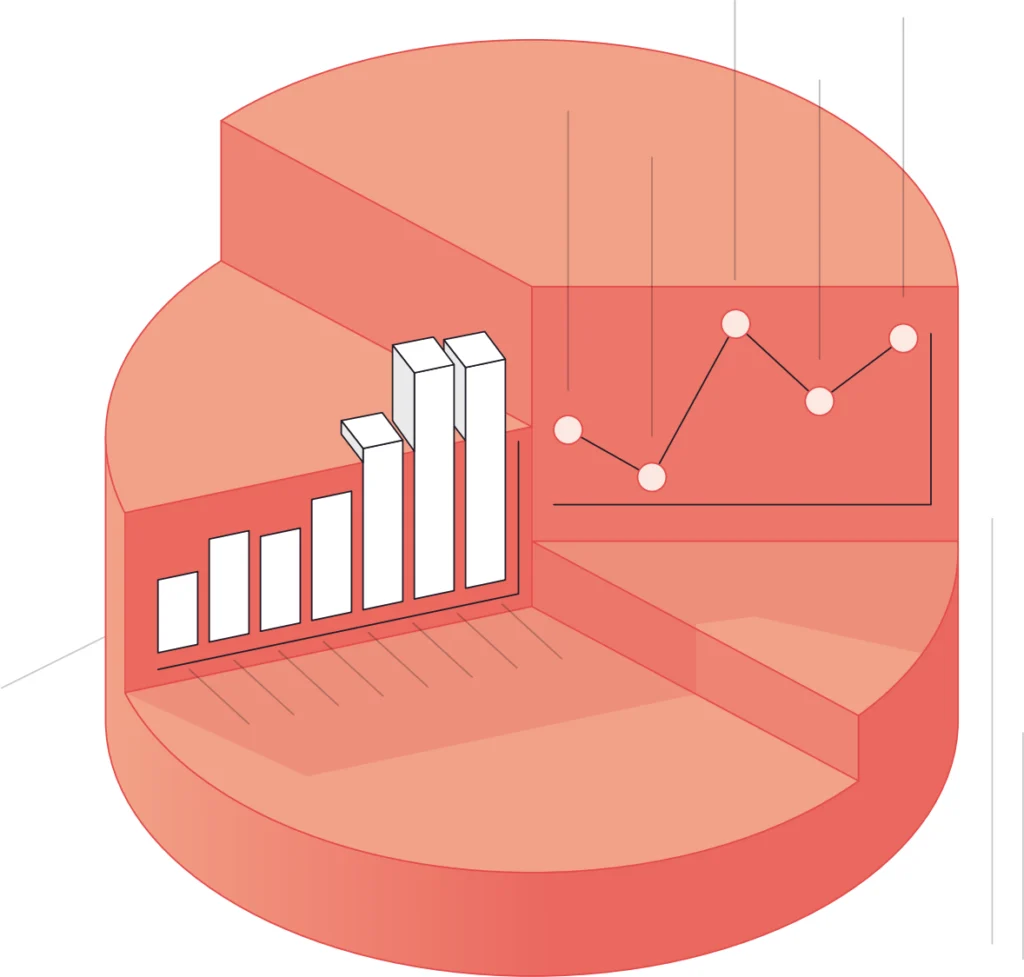
SightCall captures detailed data for each session, including duration, interaction patterns, and resolution metrics. This structured information allows organizations to evaluate performance at both individual and team levels.
When integrated with CRM and field service systems, session data becomes actionable business intelligence. Organizations can assess first-time fix rates, quantify truck roll avoidance, monitor expert utilization, and calculate cost savings. Remote visual support evolves from a helpful tool into a measurable driver of operational performance.
General video conferencing platforms typically provide only basic call statistics. They are not designed to connect service interactions to enterprise reporting systems.
Deep Integrations
Remote visual support should be embedded directly into the service ecosystem.
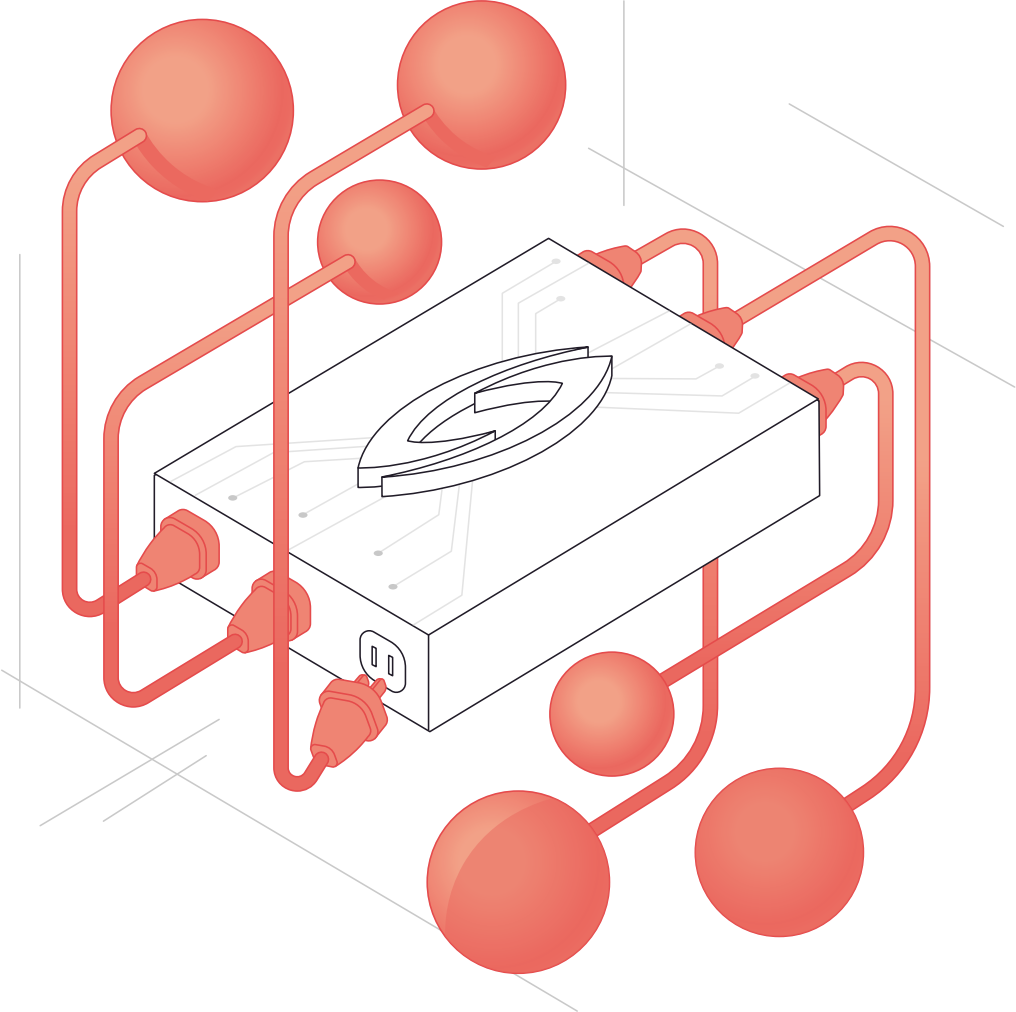
SightCall integrates with leading platforms such as Salesforce Service Cloud, Health Cloud, Field Service Lightning, Zendesk, ServiceMax, and ServiceNow. These integrations place remote visual support within existing case management and ticketing workflows, eliminating application silos and inconsistent reporting.
For organizations operating custom systems, API and microservice capabilities enable flexible integration. The goal is seamless continuity. Remote visual support becomes part of how service is delivered, not an external add-on.
General video conferencing tools are typically standalone applications with limited ability to integrate deeply into enterprise service environments.
Security and Privacy Focused
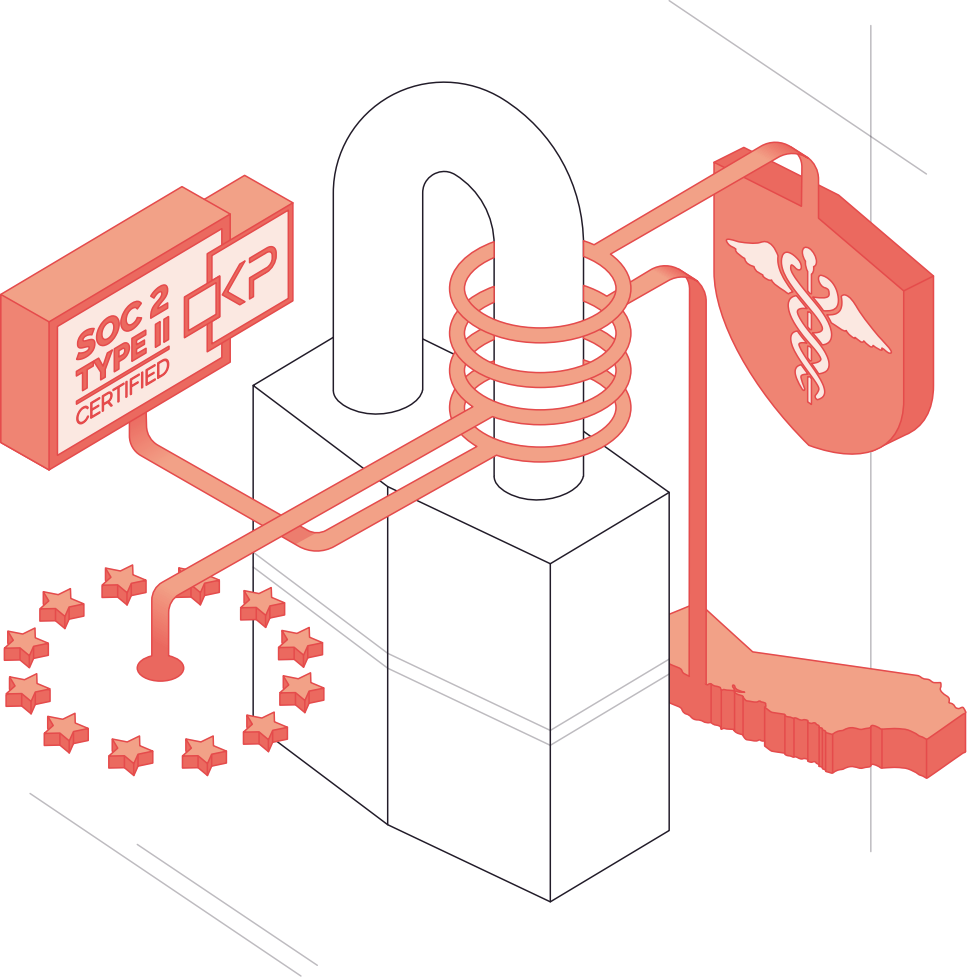
Remote visual support frequently involves sensitive information, especially in healthcare, insurance, telecom, and utility sectors.
SightCall was built with compliance and data protection at its foundation. The platform supports GDPR, CCPA, and HIPAA requirements and maintains SOC 2 Type II certification. Security practices address how data is processed, stored, and shared throughout the service lifecycle.
While many video platforms offer general security measures, SightCall’s architecture aligns specifically with regulated service environments where trust and compliance are essential.
General video conferencing tools are built for communication. SightCall is built for remote visual support.
When organizations rely on remote diagnostics, guided repair, inspections, and field collaboration, a purpose-built remote visual support platform delivers faster resolution, higher first-time fix rates, improved customer experiences, and measurable operational gains.